
The configuration process for MySQL is similar to the article ” How to write data to MSSQL .” Only the main differences are described in this manual.
1. Download and install the 32-bit version of MySQL ODBC Connector (the ODBC driver) for MySQL from mysql.org .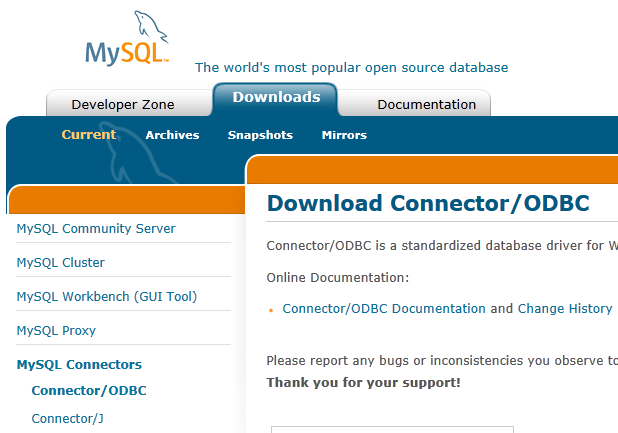
Fig. 1 Driver section
2. The structure of a table in the database will look like this:
CREATE TABLE modbus_data_2 ( REC_ID int(11) NOT NULL AUTO_INCREMENT, TIMESTAMP datetime NOT NULL, ITEM1 varchar(30) DEFAULT NULL, ITEM2 varchar(30) DEFAULT NULL, PRIMARY KEY (REC_ID) ) ENGINE=InnoDB DEFAULT CHARSET=latin1;If you specify any other data type than String for ITEM1 or ITEM2 in the MODBUS settings, you should create the columns of the corresponding types while creating a table.
3. Create an ODBC data source for your MySQL database.
4 Follow steps #1-9 from the previous tutorial for MS SQL: ” Writing MODBUS values to MS SQL .”
5. During the binding process, you should consider that the names of the table and its columns are case-sensitive in MySQL.